 Stepshots
Record the way you work
Capture clicks with the Chrome extension, or use a repeatable CLI config. Each step becomes a screenshot you can edit.
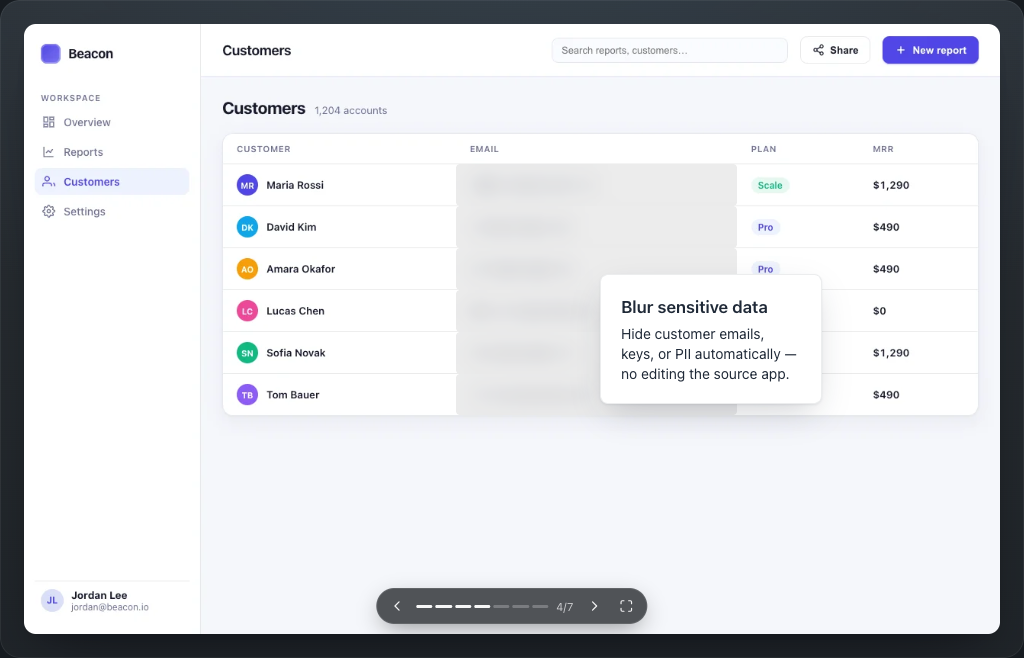
Record a walkthrough, edit the details, and share it. Run a CI check to catch broken steps when your UI changes.
Free to start. No credit card.
This is a real Stepshots demo. Click through it.
Keep the recording config in your repo. Run verification against your app in CI to find broken steps before you share an outdated walkthrough.
A button moves, a selector changes, or an annotation loses its target.
Verification replays the flow and reports steps that fail. Include annotation checks to catch lost callout anchors too.
Update the config or annotation, re-record the flow, then review and upload the refreshed demo.
Example verification result
$ stepshots verify --fail-on warninvite-member · Step 3 failed
Selector not found: .invite-btn
Check the target and update this step's selector.
The check reports failures and saves screenshots. It does not change your published demo.
Set up CI verificationCapture the steps, explain what matters, and let viewers explore at their own pace.
Capture clicks with the Chrome extension, or use a repeatable CLI config. Each step becomes a screenshot you can edit.
Add callouts, highlights, and arrows in the visual editor. Blur sensitive details and reorder steps before you publish.
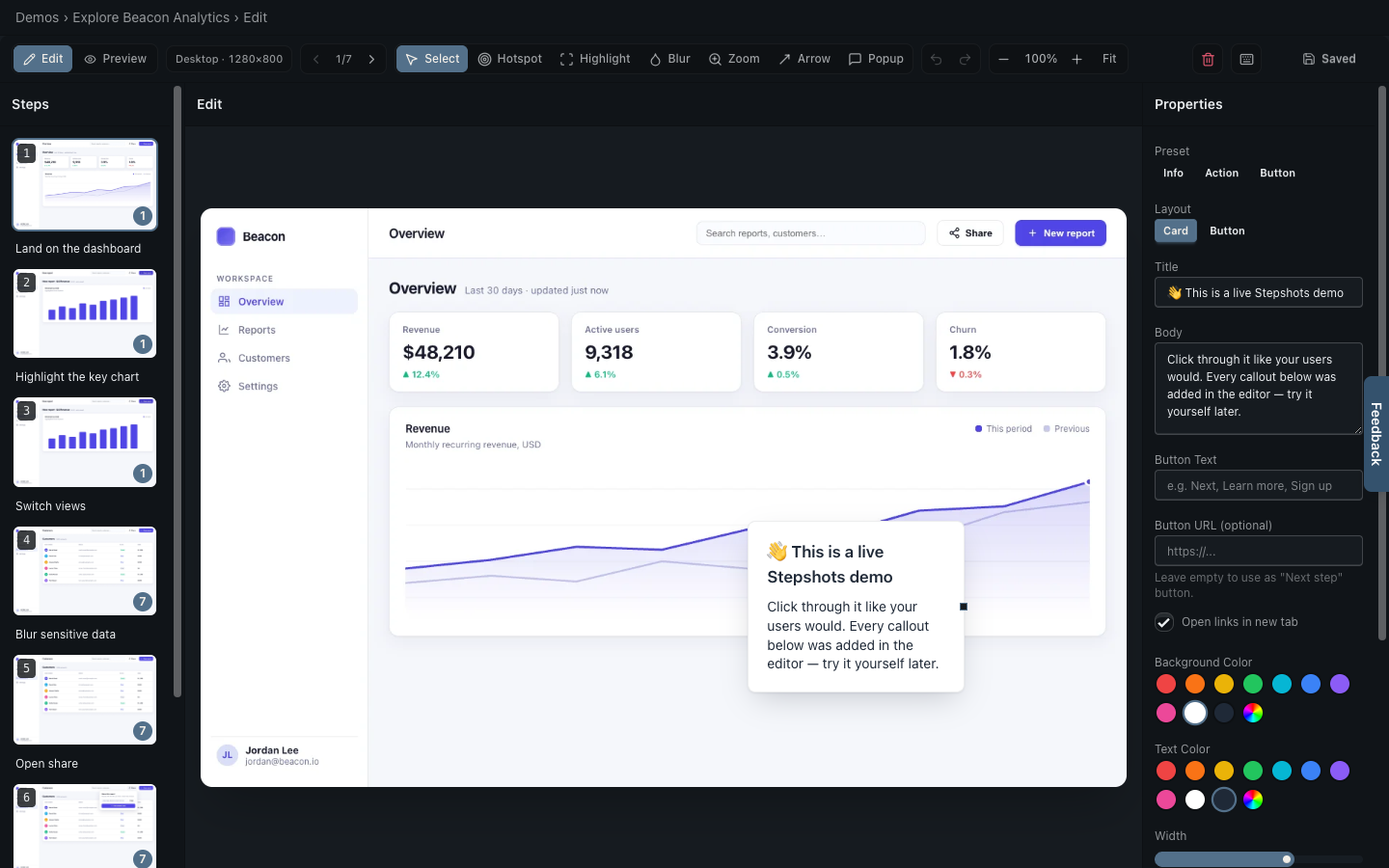
Send a public link or embed an interactive demo in your site and docs.
Guide users through your live app using the steps you already recorded.
See views, completion, and the steps where viewers drop off.
Present your demo in a browser or phone frame.
Generate an explorable product replica with synthetic data, using your own AI key.
Start with one free hosted demo. Buy an extra Pro demo once, or subscribe for 30 demos and more. No per-seat billing.
Best for trying Stepshots, editing your first walkthrough, and publishing one hosted demo.
For ongoing product demos, with embeds, analytics, and your own branding.
14-day free trial. Cancel anytime.
For a single launch, guide, or walkthrough. Add one extra hosted demo without a subscription.
Adds to your Free or Pro plan.
Everything in Pro, custom demo volume, invoicing and purchase orders, and dedicated support.
Turn product walkthroughs into something reusable for docs, onboarding, sales, and launches without rebuilding the same explanation every time.
Create Your First DemoFree tier. No credit card required.